Edit a loadout
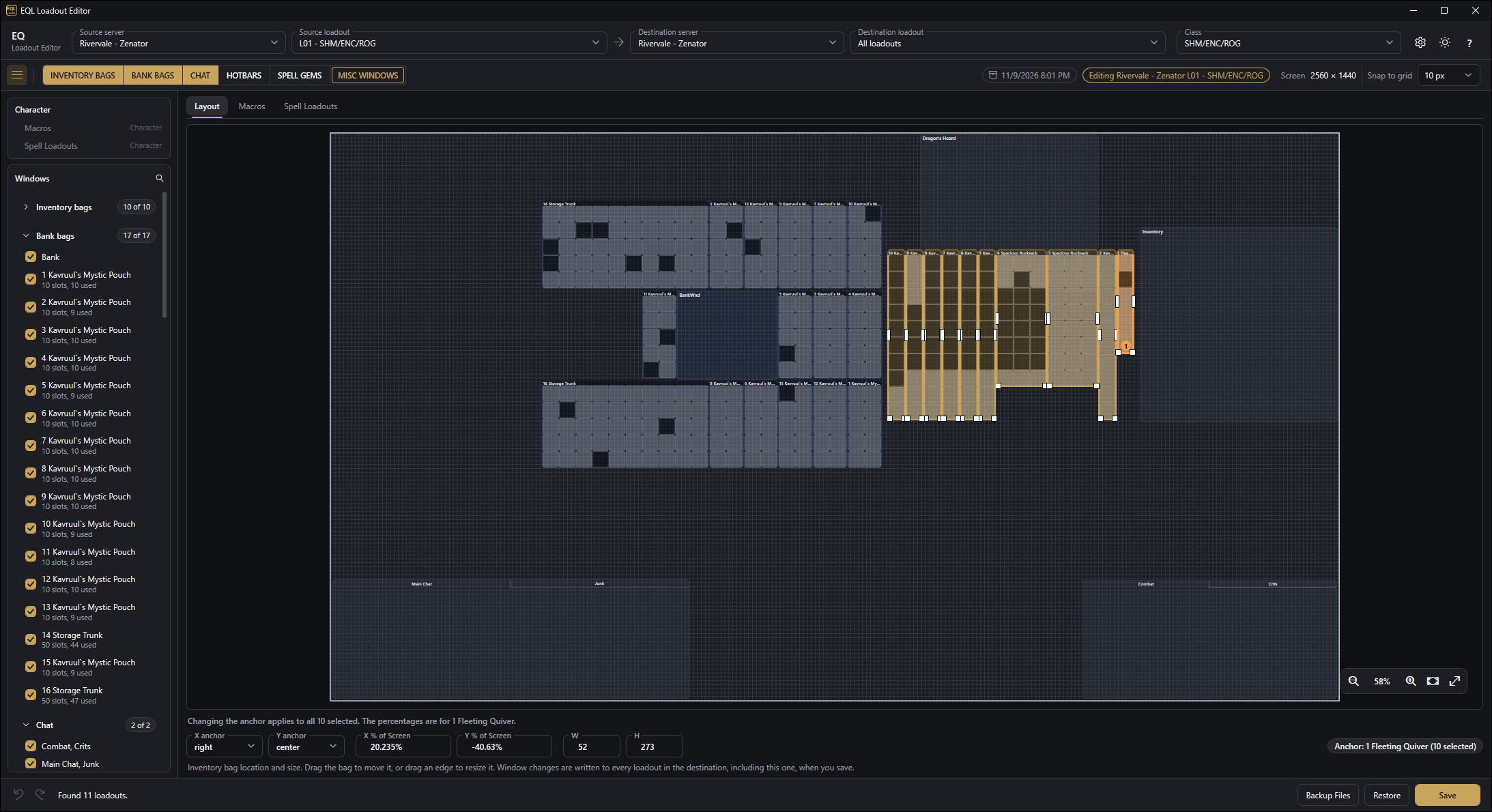
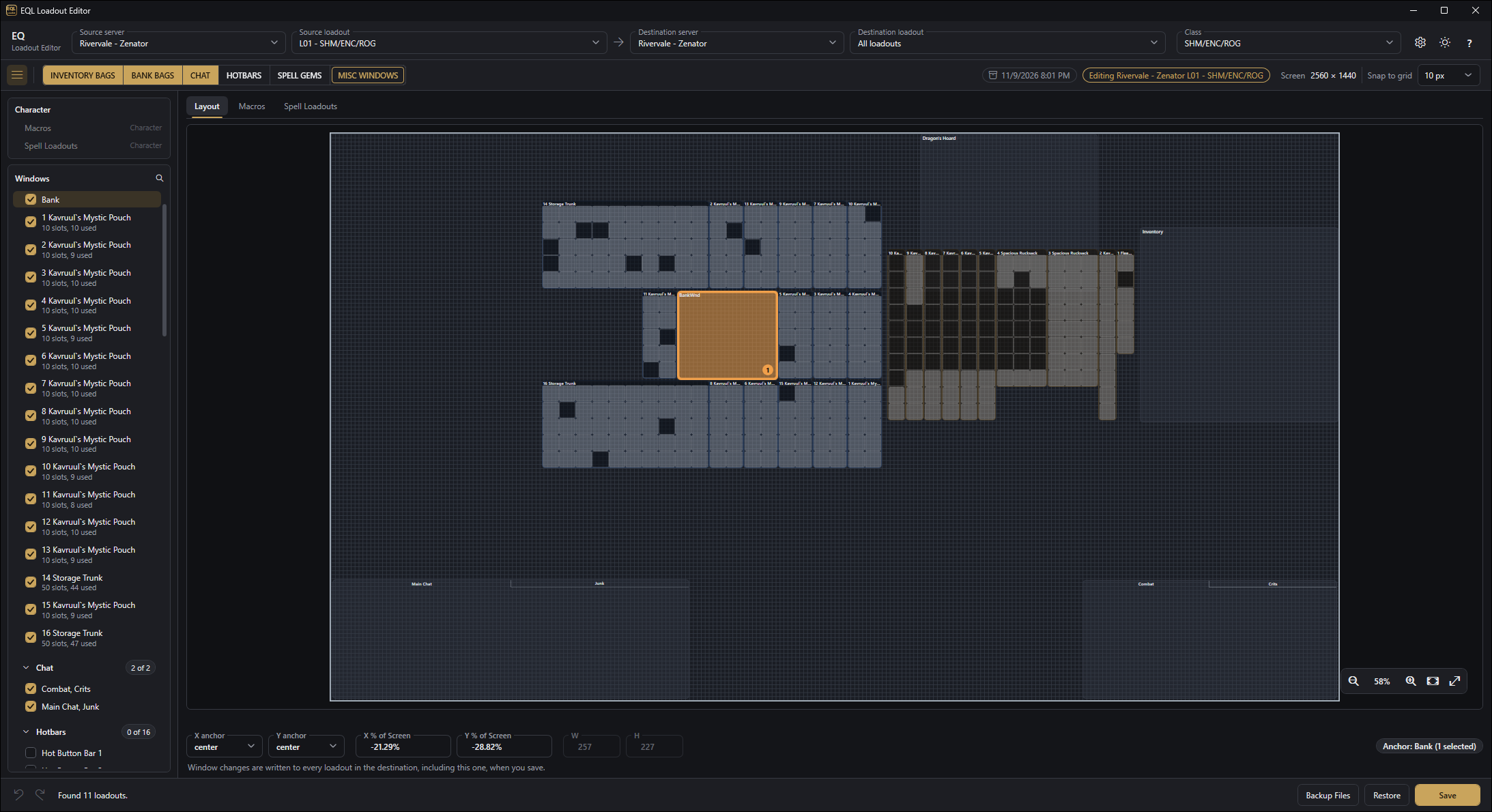
Edit a loadout and save the window positions to other loadouts.

Arrange one EverQuest Legends loadout until it feels like yours. Then save that layout to another loadout, to every loadout on a server, or across every server.
Download the application.
Install instructions
The source code is on github at github.com/matt-riell/EQL-Loadout-Editor.
Edit a loadout and save the window positions to other loadouts.
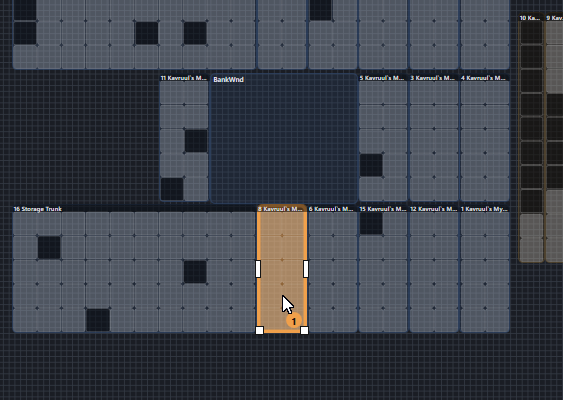
Move bags around and use snapping and stacking to align them how you want.
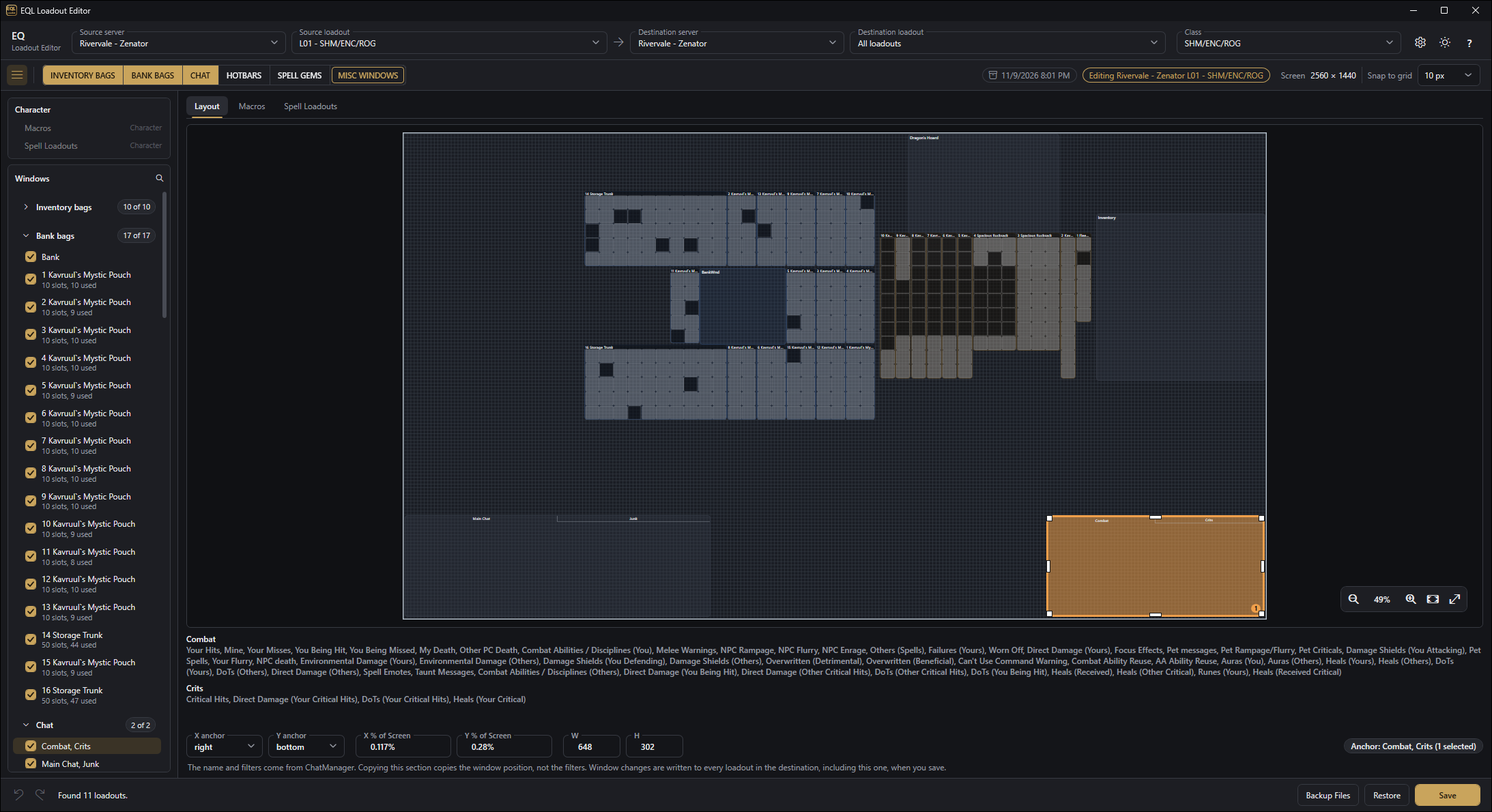
Save chat filters to other loadouts.
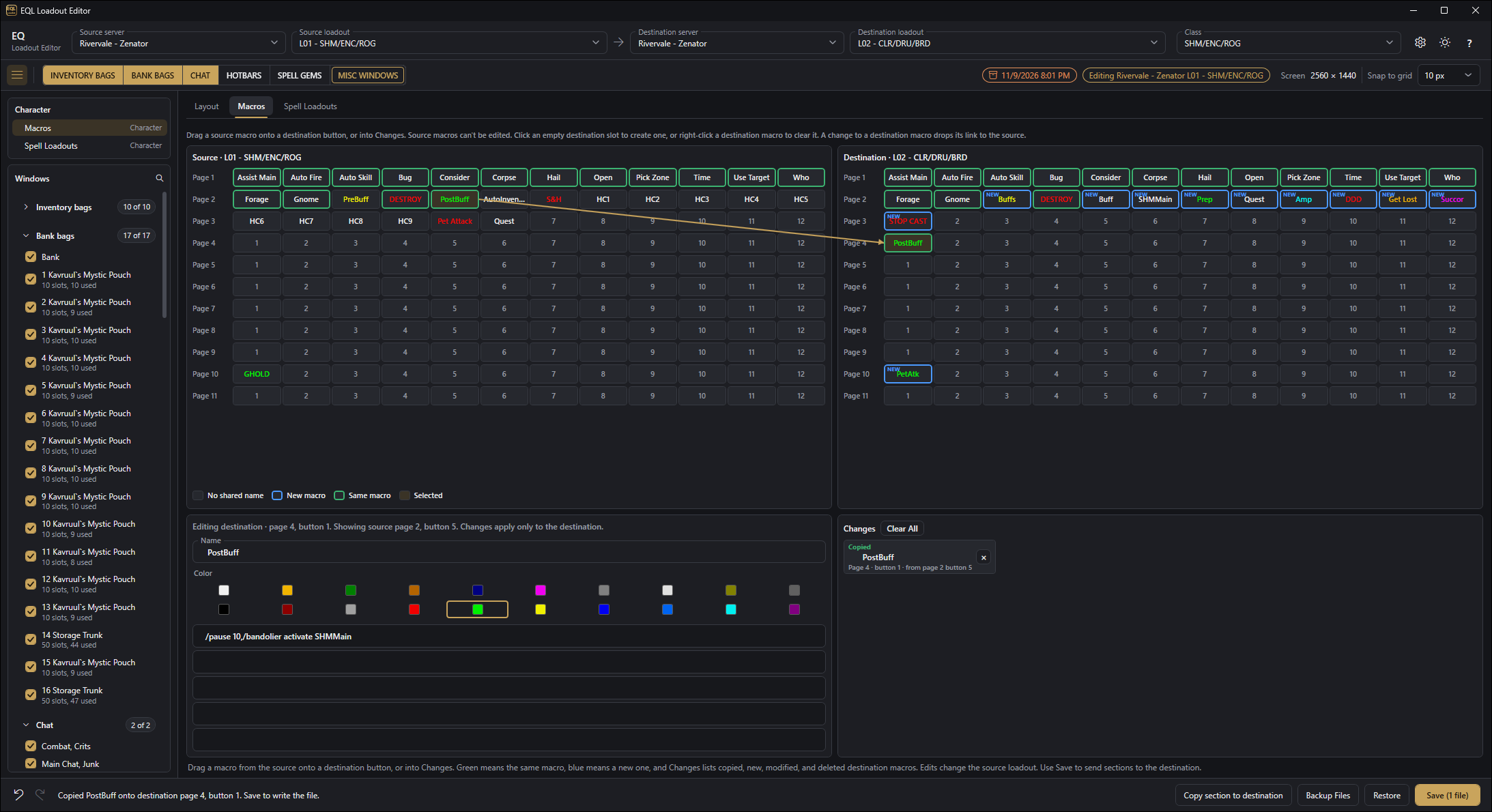
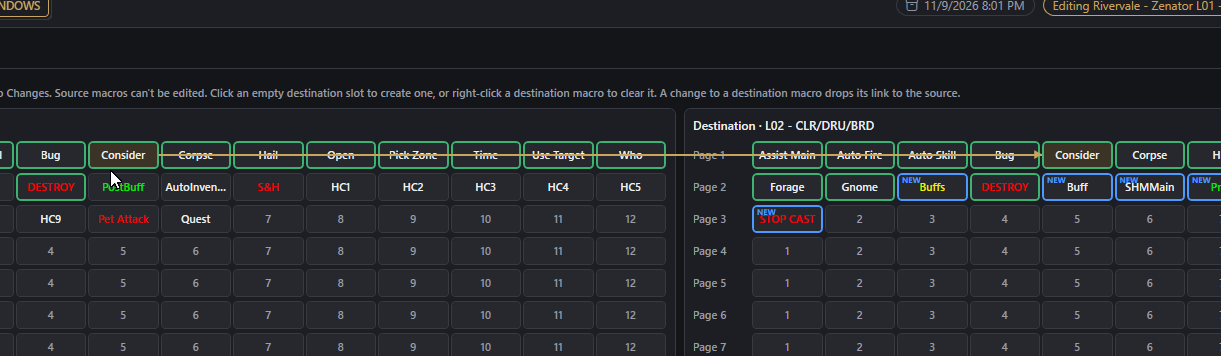
Drag and drop macros. Edit them, and create new ones.
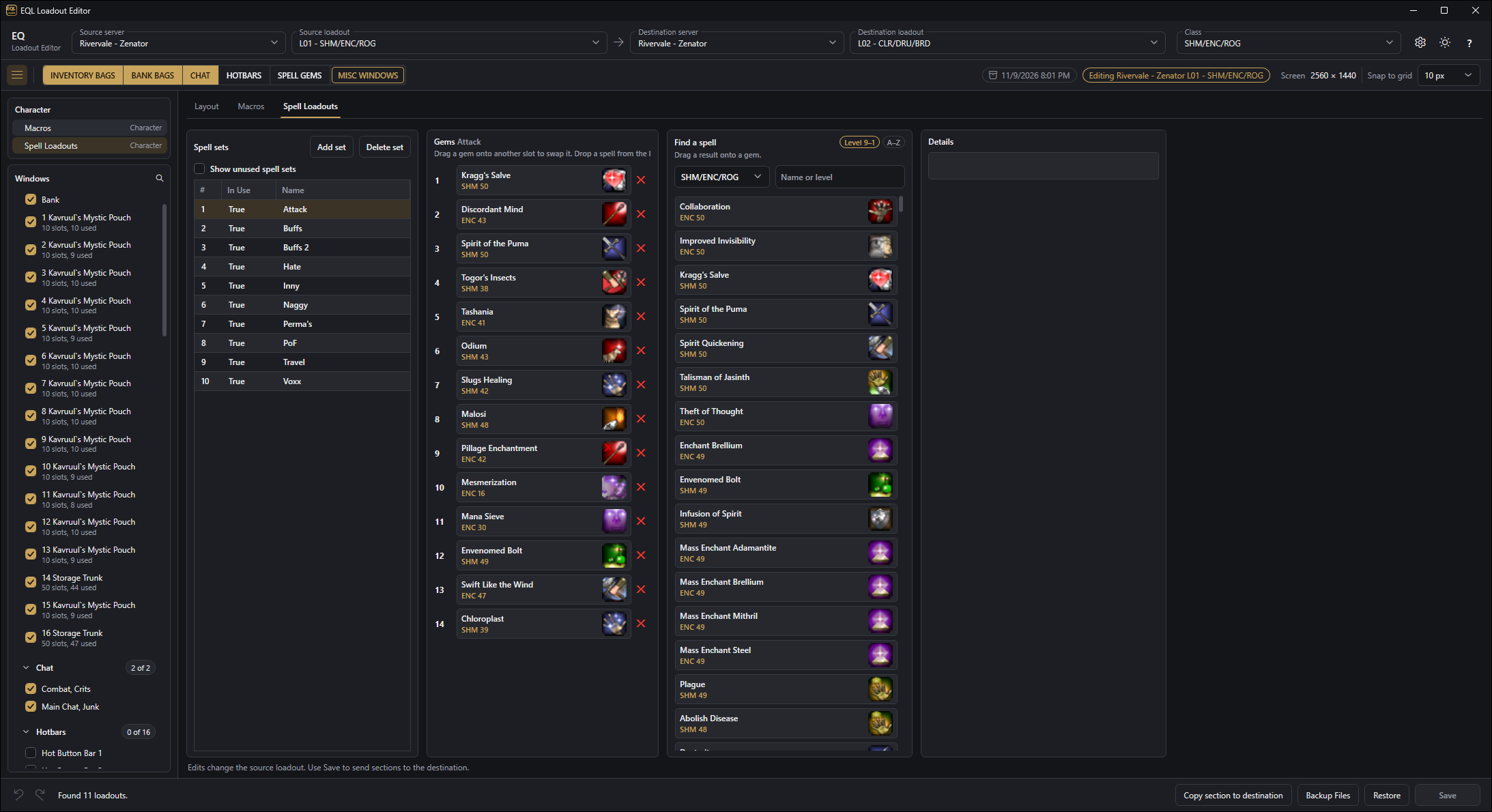
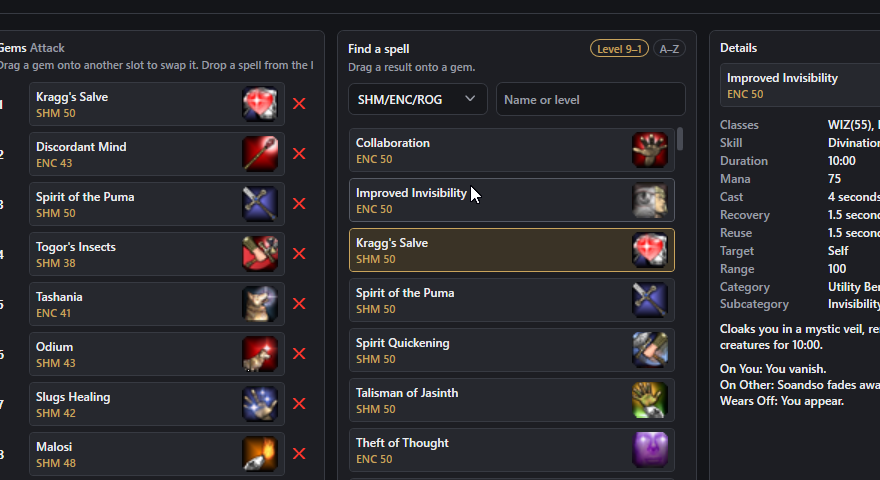
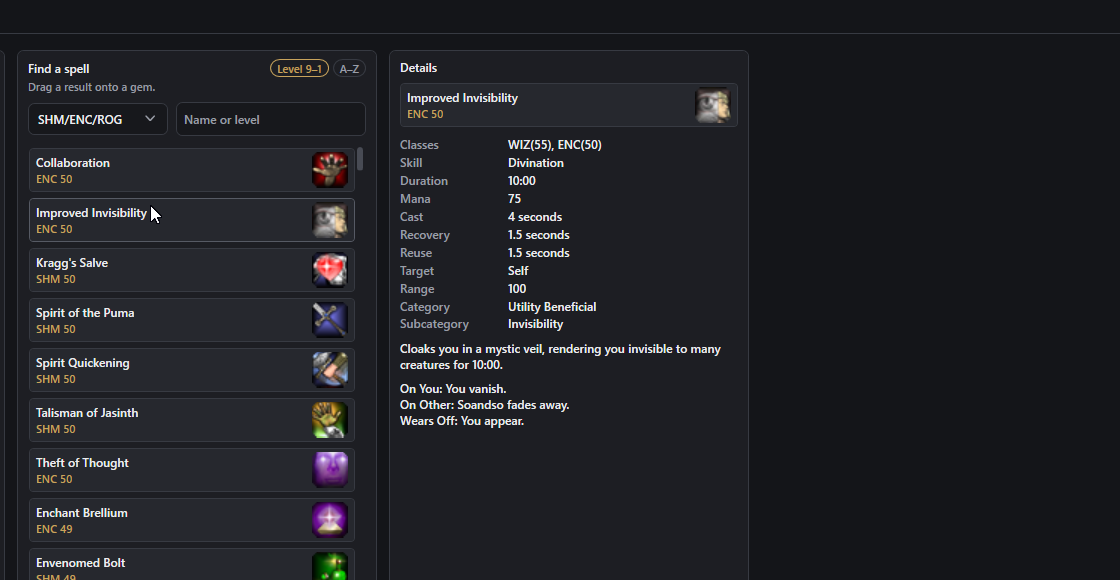
Edit spell sets. Search spells and drag them onto the sets. See all the spell details.
Change your mind with undo and redo, and switch between a light theme and a dark theme.
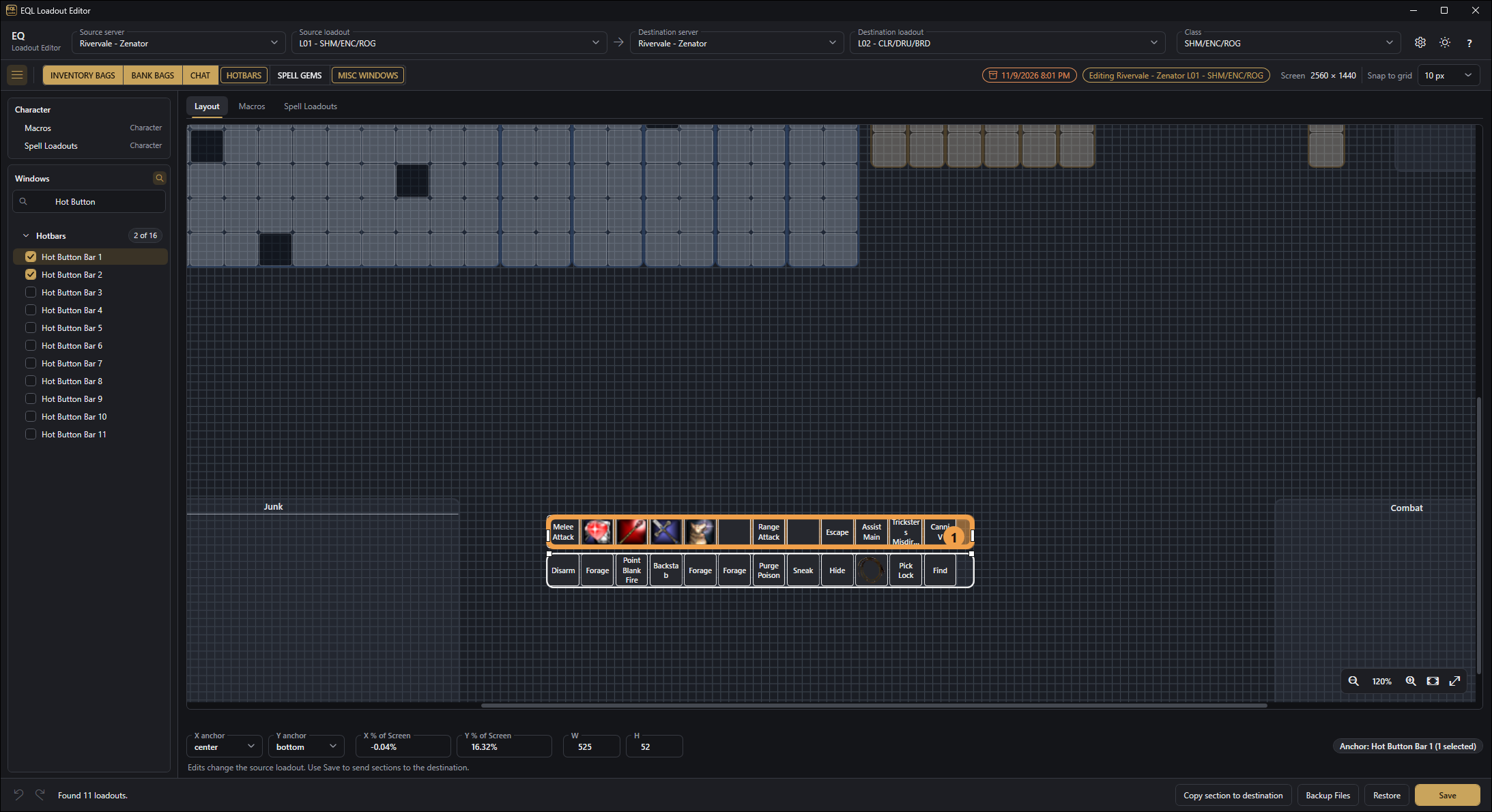
Organize your hotbars and see what is on each button.